Hosting websites and game servers on Windows
You can host websites and game servers on Windows. You do not need IIS, you do not need
iisnode, and you do not need a Linux VM. Run each website and each game server as a
Windows Service,
and put a reverse proxy in front of the websites for the domain and the HTTPS
certificate. That is the same architecture every Linux host uses - only the names of the
parts differ.
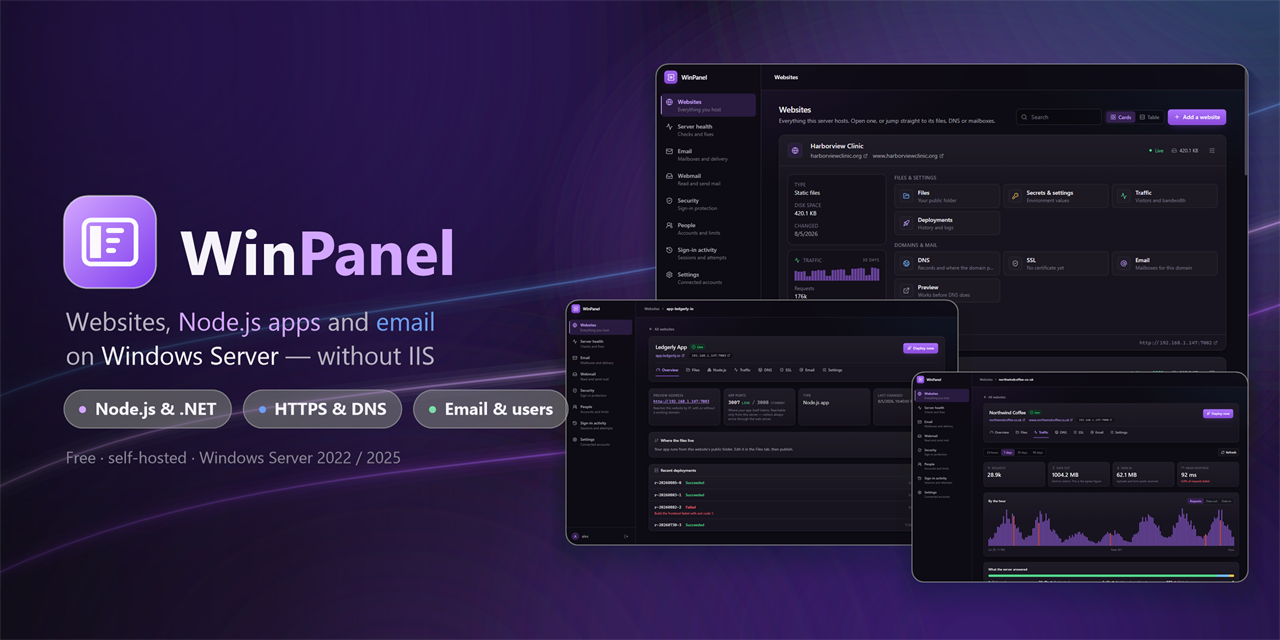
These pages explain how to do that by hand, and how WinPanel - a free, self-hosted control panel for Windows Server 2022/2025 and Windows 11 Home or Pro - does it for you, per site, from a web page.
Download the installer · The repository · The wiki · Ask on Discord
The guides
How to host a Node.js app on Windows
For developers and sysadmins. Why the “it’s impossible” and “use iisnode” answers are
wrong, the four ways to do it ranked, a by-hand walkthrough with WinSW and Caddy, and the
eight Windows-specific failures that catch everybody - EADDRINUSE :443, the orphaned
process that keeps a stopped service’s port, long paths, spawn EINVAL.
How to put a website on your own Windows PC or server
For everyone else. What hosting a website actually involves, what it costs, what each word means, and what goes wrong - with no jargon and no command line.
How to host WordPress on Windows
WordPress without IIS or a Linux VM. How WordPress actually runs on Windows - PHP behind a web server, MariaDB for its data - and the one-click install WinPanel does for you.
How to host a game server on Windows
Minecraft, Palworld, Project Zomboid and other Steam dedicated servers on Windows - each one a supervised Windows Service with its own ports, firewall rules, file manager and customer login, and a library you can extend with a config file.
How to host your own databases on Windows
MariaDB, PostgreSQL and MongoDB, each a one-click install bound to loopback. Creating databases, how one customer’s login is kept out of another’s data, per-account allowances, and the browser built into the panel.
Backups and recovery
Website ZIP downloads contain files and portable database exports for offsite storage. Owner-only panel snapshots contain the local WinPanel installation, websites, game servers and configuration, with scheduled creation and restore support.
What WinPanel is
A free control panel for Windows that manages websites, game servers, HTTPS, DNS, email and customer accounts from one interface. Static sites, Node.js apps, ASP.NET Core apps, PHP sites, WordPress and independently deployable subdomains are all first-class; each runs as a supervised Windows Service, with Caddy in front handling domains, certificates and traffic. WordPress is a one-click install backed by a bundled MariaDB database, with a database browser built in. It supports Windows Server 2022/2025 and Windows 11 Home or Pro - there is no Server-edition requirement.
- Websites - from Git or managed by hand, with independently deployable subdomains and builds that swap in only if they start
- Game servers - Minecraft Java and Bedrock, Palworld, Project Zomboid and other Steam titles, each a Windows Service with its own ports and firewall rules. Any game not in the list is a JSON file away - the library is a config folder, not a code path
- WordPress & PHP - one-click WordPress, and PHP sites on a supervised worker pool
- Databases - MariaDB, PostgreSQL and MongoDB, each a one-click install, with per-account limits and a browser and editor built in
- HTTPS - free certificates, renewed automatically, over the DNS challenge
- DNS - Cloudflare records per website, including a reviewed “point this domain here”
- Email - self-hosted mailboxes with quotas, aliases, DKIM and webmail
- People - owner, administrator and customer roles, each with site, disk, mail and game server limits
- Server health - detects and fixes the Windows settings that quietly break Node hosting
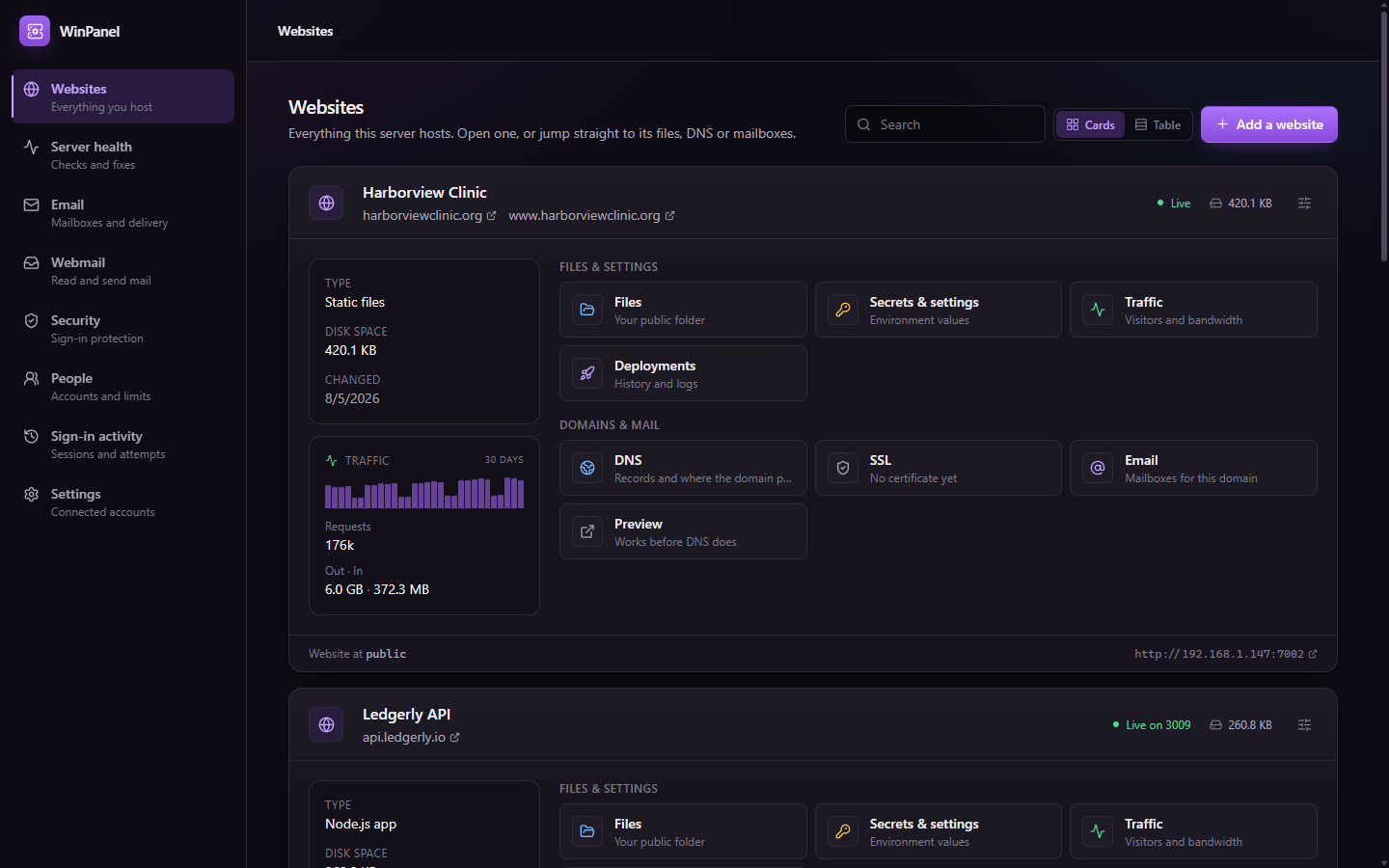
It is free and self-hosted, and it runs real commercial sites. Full detail, screenshots and installation instructions are in the README.
Official partner: OnyShare
We are proud to host OnyShare, a great, easy-to-use image and file-sharing service. OnyShare is an official WinPanel partner, and its servers are operated through WinPanel on Windows. It is a real service running on the platform described here, not a demo deployment.
More, on the wiki
- Run a Node.js app as a Windows Service
- iisnode alternatives in 2026
- Fix “port 443 already in use”
- SSL certificates without IIS
- Host your own email on Windows Server
- Free Plesk alternative for Windows Server
- Host a Minecraft server on Windows
- Host your own databases on Windows
- Windows Server vs Linux for web hosting